
Blog
WGU D268 Task 3 Guide and Example: Narrated Policy Presentation

By Dan Palmer, MBA · Academic strategy consultant for working adult learners · LinkedIn
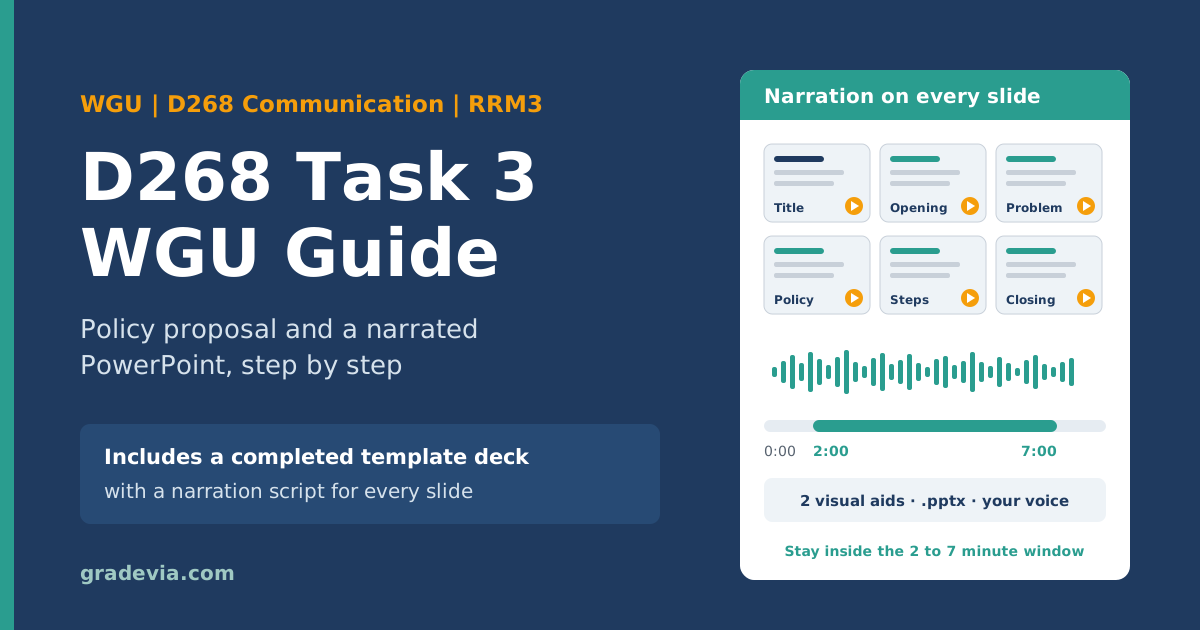
Introduction to Communication: Connecting with Others D268 Task 3 is the last task in the course, and the only one where your voice is graded along with your writing. You propose a new policy for an organization or community, write a short presentation plan, and record a narrated presentation between 2 and 7 minutes long. Most returned submissions don’t fail on the idea. They fail on the mechanics: a recording that runs 1 minute 50 seconds, a slide with no narration, a visual aid without a citation, or a file saved in the wrong format.
This guide is for working adults who want D268 Task 3 WGU requirements finished over two or three evenings, including the recording. It covers choosing a topic, writing the four plan sections, building the slides in the RRM3 D268 Task 3 PPTX template, and recording narration that meets the vocalics requirement. It ends with a completed WGU D268 Task 3 example deck for a fictitious organization.
D268 Task 3 Assignment
Introduction
Producing an effective message encompasses efficient planning, organization, and influential communication. In this task, you will:
- Create a written proposal for a new policy for an organization or community.
- Create a professional, influential, narrated digital multimedia presentation of your proposed change.
For your proposal and presentation, you may:
A. Select a topic from the “D268 Task 3 Rotating Topic List” document in the Supporting Documents section located below the rubric, OR
B. Use a policy topic based on your own professional interests.
This task includes two parts:
- A written presentation plan. You may use the space provided in the RRM3 D268 Task 3 PPTX Template located in the Supporting Documents.
- A professional, narrated multimedia presentation (i.e., narrated PowerPoint (.pptx) or narrated Panopto video) that focuses on a new policy for an organization or community (e.g., workplace, environmental, social group or club, neighborhood, school). You may use the space provided in the RRM3 D268 Task 3 PPTX Template located in the Supporting Documents.
A. Write your presentation plan by doing the following:
- Describe the audience (i.e., organization leaders, hospital administration, community council members, neighborhood association, neighbors, school board, colleagues, etc.) you wish to target who has the potential to enact your proposed policy.
a. Explain how your proposed policy will affect your chosen target audience from prompt A1.
- Describe the problem to be solved by the proposed policy.
- Describe your proposed policy and how it will be implemented.
B. Present your proposed policy from part A by creating a narrated multimedia presentation (i.e., record a voiceover of you narrating a PowerPoint [.pptx] or Panopto video). See notes below for more details on recording options.
- Your presentation needs to be between 2 and 7 minutes in length.
- Your presentation needs to be appropriate for the selected audience.
- Your presentation needs to describe the problem to be solved by the proposed policy.
- Your presentation needs to propose the change and how it will be implemented.
- Your presentation needs to integrate the following principles of multimedia design:
a. Effective organization
b. Effective opening and closing
c. Appropriate choice and placement of 2 relevant visual aids (i.e. images, graphs, etc.)
d. Effective use of vocalics (i.e., pitch, tone, inflection, volume)
Note:
Recording Option 1 (PowerPoint .pptx):
- If you use a narrated PowerPoint (.pptx), do not enable the webcam as the file will be too large.
- Your narrated PowerPoint must be submitted in .pptx format. All other file formats will be returned for resubmission for part 2 of this task.
- Each slide must include narration.
- The recording must feature a clearly understood, audible voiceover of you narrating your multimedia presentation.
- For instructions on how to access and use WGU’s PowerPoint, refer to the “Introduction to Microsoft PowerPoint” link in the Web Links section located below the rubric.
- For instructions on how to record a PowerPoint, refer to the “How to Make a PowerPoint with Audio” link in the Web Links section located below the rubric.
Recording Option 2 (Panopto):
- If you use a narrated Panopto video, your webcam is optional.
- The video must feature a clearly understood, audible voiceover of you narrating your multimedia presentation.
- For instructions on how to access and use WGU’s Panopto, refer to the “Panopto FAQ” link in the Web Links section located below the rubric.
- For the direct link and directions to login to WGU’s Panopto, refer to the “Panopto Access” link in the Web Links section located below the rubric.
- For instructions on how to submit your narrated Panopto video, refer to the “How to Submit a Panopto Video Link for Evaluation” link located in the Web Links section below the rubric. All other file formats will be returned for resubmission for part 2 of this task.
C. Acknowledge sources—using in-text citations and references—for content that is quoted, paraphrased, or summarized. This includes source citation for any visual elements used in the digital presentation.
Note: Sources are NOT required for this task, but if sources are used, they must be acknowledged and cited appropriately. Fake, non-existent, or AI-generated sources are not acceptable sources.
D. Demonstrate professional communication in the content and presentation of your submission.
WGU D268 Task 3 Example: A Completed Template Deck
Our WGU D268 Task 3 example fills in the RRM3 D268 Task 3 PPTX template for a fictitious organization: a supervisor at a fictitious credit union proposes a two day hybrid schedule for a loan processing team to its executive leadership.
The example has no audio. Your submission needs your own topic, visuals, and narration recorded in your own voice.
Need a Custom D268 Task 3 Done? WhatsApp Us: +1 564 544 6924.
Download the D268 Task 3 example deck (.pptx)
What D268 Task 3 Asks You to Do
The task has two parts. You can complete both in the RRM3 D268 Task 3 PPTX template from the Supporting Documents section.
Part 1: the written presentation plan (Section A)
| Requirement | What you deliver |
|---|---|
| A1 | The audience you’re targeting, who has the potential to enact your policy |
| A1a | How the proposed policy will affect that audience |
| A2 | The problem the policy will solve |
| A3 | The proposed policy and how it will be implemented |
Part 2: the narrated presentation (Section B)
| Requirement | What the evaluator checks |
|---|---|
| B1 | Length between 2 and 7 minutes |
| B2 | Appropriate for the selected audience |
| B3 | Describes the problem |
| B4 | Proposes the change and how it will be implemented |
| B5a to B5d | Effective organization; effective opening and closing; 2 relevant visual aids, appropriately chosen and placed; and effective vocalics (pitch, tone, inflection, volume) |
Sections C and D cover sources and professional communication. Sources are optional, but the directions add a rule worth noting: “Fake, non-existent, or AI-generated sources are not acceptable sources,” and citations apply to any visual elements in your presentation too.
Choosing a Topic: D268 Task 3 Ideas That Work
You can choose a topic from the “D268 Task 3 Rotating Topic List” in your Supporting Documents or propose a policy based on your own professional interests. Because the list rotates, check the version in your course rather than relying on a list you found online.
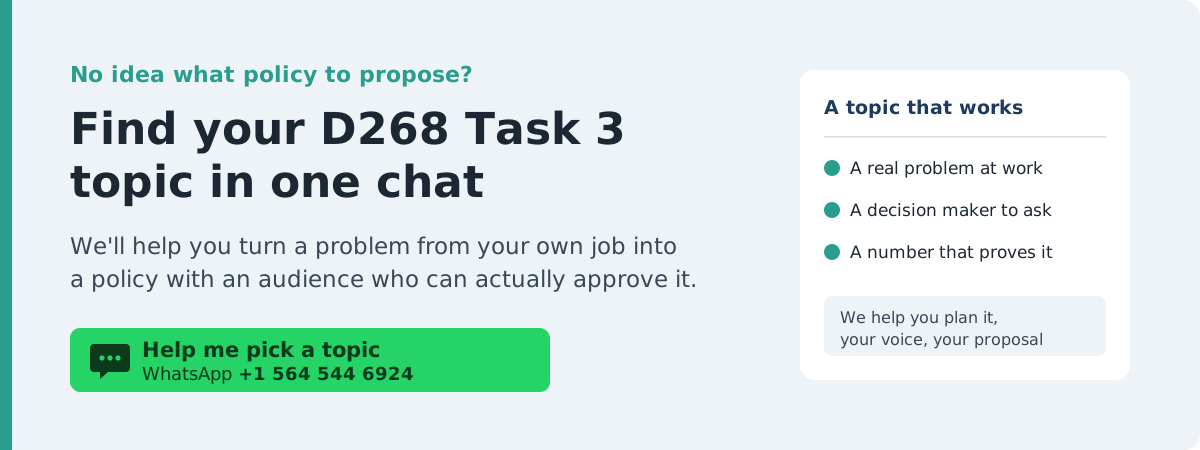
For a working student, your own workplace is usually the fastest source of D268 Task 3 topics, because you already know the problem, the people who could approve a fix, and the details that make the presentation convincing. Strong topics share three features: a specific organization, a decision maker who could say yes, and a problem you can describe with a number or a concrete example.
| Setting | Policy ideas | Who could enact it |
|---|---|---|
| Workplace | A hybrid or work from home schedule, meeting free focus blocks, a shift swap process, cross training for coverage | Department director, operations leadership, HR |
| Health care setting | A protected break policy for night shifts, a structured handoff checklist | Unit manager, hospital administration |
| School | A cell phone policy for class time, a homework platform consolidation | Principal, school board |
| Neighborhood or community | Traffic calming on one street, a shared tool library, recycling at community events | Neighborhood association, city council members |
| Club or volunteer group | A volunteer sign up and reminder system, a dues assistance policy | Club board, organizing committee |
A note on D268 Task 3 work from home topics: remote and hybrid work proposals are popular because so many students live with the problem. That popularity is exactly why they need specifics. “Remote work improves morale” is generic. “Our loan processing team lost 9 of 30 processors in a year, and 5 cited the commute” is a presentation.
Writing the Presentation Plan (Section A)
The template’s first slides, marked “Do NOT record this slide,” hold Sections A1, A1a, A2, and A3. Write these before you build anything, because they become your outline.
- A1, audience: name a specific decision maker, such as “the chief operating officer and director of human resources,” not “management.” Explain why they have the power to enact the policy, and describe what they care about.
- A1a, effect on the audience: describe what changes for them: costs, workload, approvals, risks, and benefits. This is about the audience, not about the people the policy helps.
- A2, problem: state the problem with evidence, such as a number, a trend, or a specific incident.
- A3, policy and implementation: describe what the policy says, then give the implementation steps in order, with who does what and when.
Building the Slides in the RRM3 D268 Task 3 PPTX Template
The D268 Task 3 template is a .pptx file, and the WGU RRM3 D268 Task 3 version in your Supporting Documents is the one to use. Its presentation slides follow the structure the rubric checks: a title slide, Introduction (Opening), Describe the Problem, Explain the Proposed Policy, Explain How to Implement the Change, Conclusion (Closing), and References. The template’s own instructions are worth following closely:
- Delete the instructions slide before you record.
- Don’t record the plan slides. Recording starts at the title slide.
- Don’t add or remove content slides. The template warns this can push you over or under the time limit.
- Don’t write your presentation word for word on the slides. Use short phrases on the slide and put your script in the speaker notes.
- Include at least 2 relevant visual aids and cite each one, noting if it’s a stock image.
The rubric asks for “appropriate choice and placement” of the visual aids, so put each one on the slide where it does work. A chart of the problem belongs on the problem slide. A timeline belongs on the implementation slide. A visual you create yourself, such as a chart from your own team’s numbers or a simple schedule graphic, is relevant by design. Say so in a caption, for example “Chart created by the presenter.”
Recording: Narration and Vocalics
The directions give two recording options:
| Narrated PowerPoint (.pptx) | Panopto video | |
|---|---|---|
| Webcam | Don’t enable it; the file becomes too large | Optional |
| Narration | Required on every slide | Clearly audible voiceover required |
| Submission | Must be a .pptx file; other formats are returned | Submit the Panopto link as the course instructs; other formats are returned |
The course’s Web Links section includes WGU’s own instructions for recording a PowerPoint with audio and for using Panopto. Follow those for your version of PowerPoint.
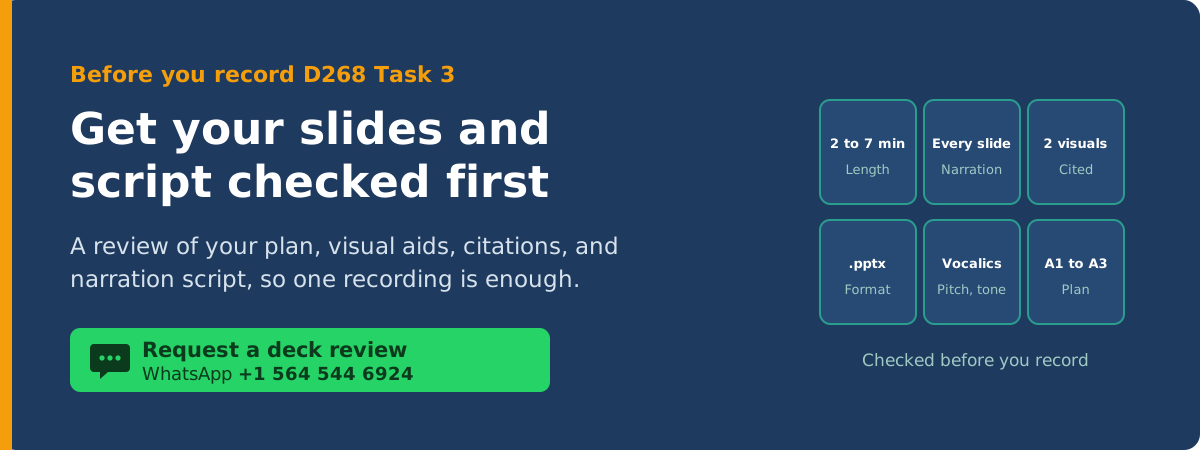
Vocalics is a separate rubric item, and it’s the one most often overlooked. The task names pitch, tone, inflection, and volume. Plan it rather than hoping it happens:
- Volume: record in a quiet room with your microphone close, and play back the first slide before recording the rest.
- Pitch and inflection: rise slightly on questions, and drop at the end of key statements so they sound decided.
- Pace: slow down for numbers and for your request to the audience.
- Tone: match the audience. A board or executive team expects confident and respectful, not casual.
Reading a script is fine, but rehearse it aloud twice first. A script read flatly is the most common reason vocalics comes back.
Check the time. Under 2 minutes or over 7 is returned automatically, according to the template. Five content slides at about 45 to 75 seconds each lands comfortably in range. Check the total before you upload.
Section C: Citing Sources and Visual Aids
If you use a statistic, a study, or an image you didn’t create, cite it on the slide and list it on the References slide. The directions specifically include visual elements. Two rules from the task are easy to miss:
- Every source must be real. The directions reject fake, nonexistent, or AI generated sources. Check that every reference opens to the actual article or page.
- Stock images must be labeled as stock images. The template asks you to note it.
D268 Task 3 Examples: Why Copying Doesn’t Work Here
Searching for a D268 Task 3 example or PowerPoint returns decks built around other students’ workplaces. Task 3 is the hardest D268 task to copy, because the narration must be your own voice, the plan should describe an audience you can actually name, and the evaluator hears whether you understand what you’re proposing. Use an example to see the structure and the level of detail, then build your own proposal around a problem you know.
WGU D268 Task 3 Example: A Completed Template Deck
Our WGU D268 Task 3 example fills in the RRM3 D268 Task 3 PPTX template for a fictitious organization: a supervisor at a fictitious credit union proposes a two day hybrid schedule for a loan processing team to its executive leadership. The deck includes:
- Sections A1, A1a, A2, and A3 written on the plan slides
- Five recorded content slides with short phrases on each slide, not a script
- Four visual aids created by the presenter: a stat callout, a native PowerPoint bar chart of exit interview reasons, a weekly schedule graphic, and an implementation timeline, each captioned
- One real, peer reviewed source, Bloom et al. (2024) in Nature, cited on the closing slide and the References slide
- A narration script in the speaker notes for every recorded slide, about three minutes at a natural pace
Here’s the narration script for its opening slide:
In the past twelve months, nine of our thirty loan processors have left Brightwater. That is almost one in three. Today I’ll explain why they are leaving, propose a two day hybrid schedule that addresses the main reason, and walk you through a 90 day pilot that lets us test it before making any permanent decision.
The example has no audio. Your submission needs your own topic, visuals, and narration recorded in your own voice.
Download the D268 Task 3 example deck (.pptx)
Plan D268 WGU Task 3 Around Your Work Week
- Evening one: Choose your topic, name your audience, and write A1, A1a, A2, and A3 on the plan slides.
- Evening two: Build the five content slides with short phrases, add and cite your visual aids, and write a script in the speaker notes.
- Evening three: Rehearse twice, record each slide, check the total time, delete the instructions slide, and save as .pptx (or submit your Panopto link).
Common Reasons D268 Task 3 Comes Back
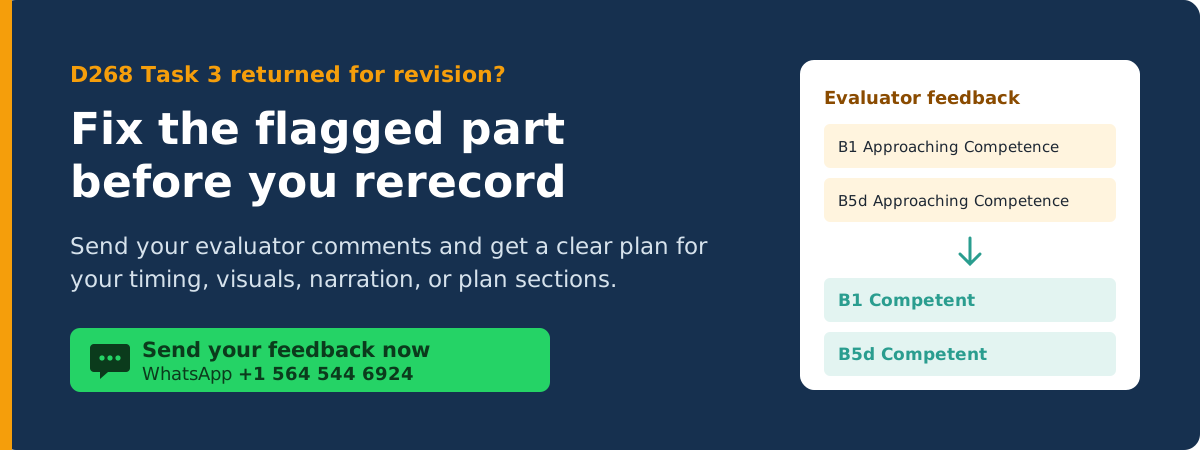
- The presentation runs under 2 minutes or over 7
- One or more slides has no narration
- The file is submitted as a video, PDF, or other format instead of .pptx or a Panopto link
- The audience can’t actually enact the policy, or A1a describes the effect on the wrong group
- Implementation is described as a goal (“we will improve schedules”) without steps
- Only one visual aid is relevant, or visual aids aren’t cited
- Narration is read in a flat monotone, so vocalics isn’t demonstrated
- The slides contain the full script word for word
Related WGU Guides
- See every D268 guide, including our D268 Task 1 guide on introductory emails and our D268 Task 2 guide on conflict and negotiation.
- Proposing a solution to a specific audience uses the same structure as the solution proposal essay in our WGU D269 Task 2 guide.
- For another WGU presentation task, see our WGU C204 Task 2 guide.
- Browse all WGU assignment guides and samples.
Pre-Submission Checklist
- A1 names a specific audience that can enact the policy
- A1a explains how the policy affects that audience
- A2 describes the problem with evidence, and A3 gives the policy and implementation steps
- The instructions slide is deleted and the plan slides are not recorded
- Every recorded slide has narration in your own voice
- The total time is between 2 and 7 minutes
- At least 2 relevant visual aids are placed on the slides they support and cited
- Every source is real, and stock images are labeled
- The file is a .pptx without webcam video, or a Panopto link submitted as instructed
Frequently Asked Questions
How long does the D268 Task 3 presentation need to be?
Between 2 and 7 minutes. The template notes that anything shorter or longer is returned for revision.
Can I submit my D268 Task 3 PowerPoint as a video file?
No. Submit a narrated PowerPoint in .pptx format or a narrated Panopto video link. The directions say other file formats are returned.
Do I need to show my face in the D268 Task 3 presentation?
No. For a narrated PowerPoint, the directions say not to enable the webcam because the file becomes too large. For Panopto, the webcam is optional.
Can I choose my own topic for D268 Task 3?
Yes. You can choose a topic from the rotating topic list in your course or propose a policy based on your own professional interests.
Can I submit the WGU D268 Task 3 example from this page?
No. It’s built around a fictitious organization and has no narration, and copying any example would violate WGU’s academic integrity policy.
Want a Second Look Before You Submit?
If you’re working full time and want structured assignment support choosing a topic, tightening your plan, or checking your slides and script before you record, message Gradevia on WhatsApp at +1 564 544 6924.
Sources
Bloom, N., Han, R., & Liang, J. (2024). Hybrid working from home improves retention without damaging performance. Nature, 630, 920–925. https://doi.org/10.1038/s41586-024-07500-2